
Small tools,built with care.
macOS apps, browser extensions and small web tools I build. Most of them I use every day, and I ship them once they feel right. Most are free.





- Status
- 14 projects
- 3 macOS apps
- 2 browser extensions
- Updated 2026-11-10
Now building
macOS AppEasy Complete
The macOS app I’m working on now. It makes terminal completion feel like an IDE: suggestions appear right after your cursor and take one key to accept.
- Runs 100% locally
- Works with git / npm / docker / cargo
- Open source, ready to install
❯ git status -s
M src/routes/index.tsx
❯ pnpm build
✓ built in 1.84s
❯ git checkout -b feat/landing
Selected work4
The ones I’ve polished longest and that people use most. Open them in the browser or download them to your Mac.
macOS App
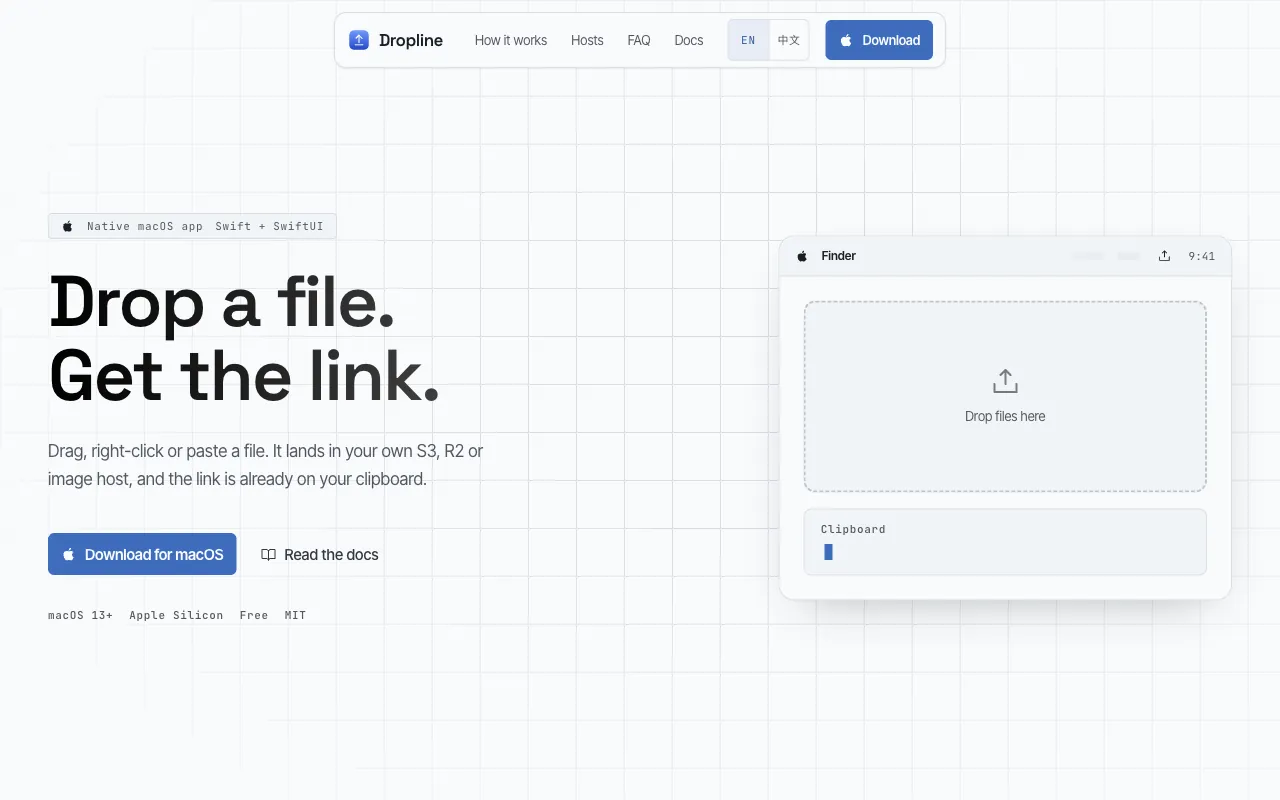
Dropline
Why I built itEvery upload meant going back to a dashboard to copy the link, dozens of times a day.
A menu bar uploader for macOS that turns “upload, then grab the link” into a single drag. Whichever way a file comes in, what comes out is a public link in your clipboard.
- Window / Dock / Finder / clipboard / menu bar
- Uploads straight to your S3, R2 or image host
- Keys in Keychain, no account, no telemetry
macOS App
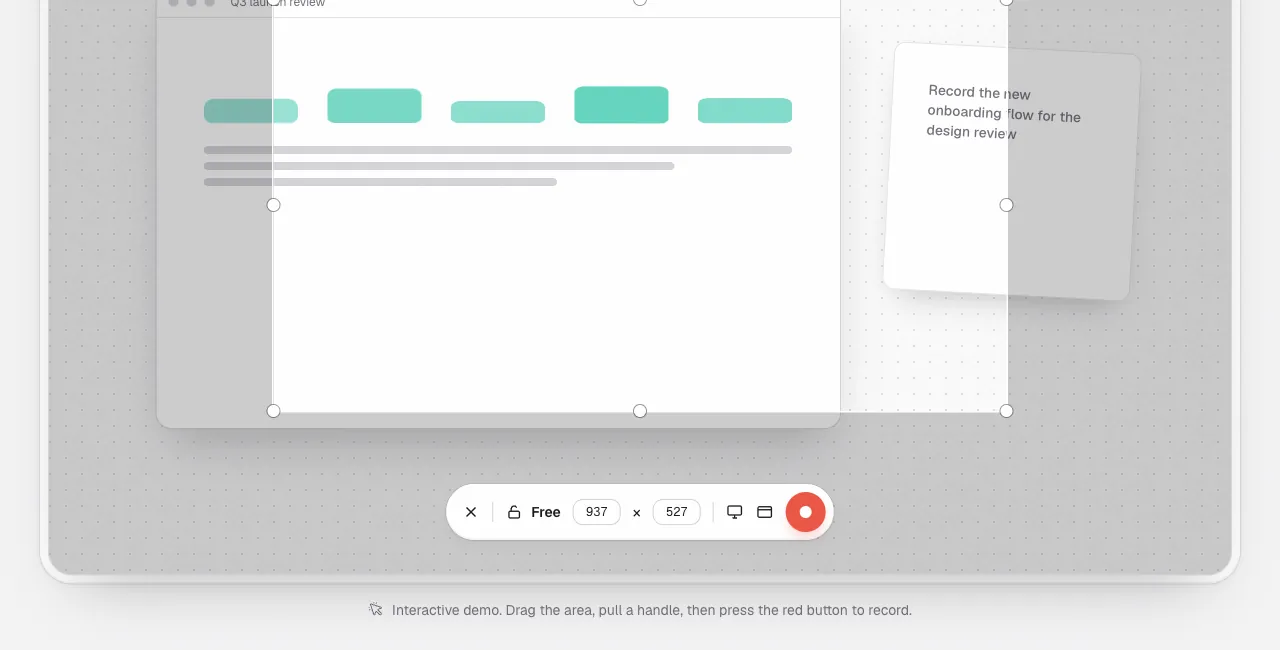
Easy Kap
Why I built itI just wanted a 10-second clip for a PR, and the tools out there were either too heavy or too slow to export.
A native macOS screen recorder: drag a region and record, trim right in the looping preview, export a GIF or video and drop it into a PR or chat.
- Region / window / full screen
- System audio + mic, pause anytime
- Open source, auto updates

Map Project
IMAX Theaters in China
Why I built itI wanted the nearest IMAX with the biggest screen, but the details were scattered and impossible to compare.
Theater listings turned into a map you can browse, so you can check locations and plan the trip before a movie.
- Map first
- Made for browsing, not searching
- Easy to take in

Creator Tool
SnapKitty
Why I built itI wanted to keep Xiaohongshu photos as they were, but they always came watermarked, one tap at a time.
A tool for saving and reusing content you come back to often. The point is fewer steps: open it and it just works.
- No sign-in
- Photos / videos / audio
- Good for everyday archiving
More tools9
Browser extensions, web tools and a few fun things. A glance tells you whether to click.
Jack’s ChatGPT
AI Workspace
A privacy-focused personal AI chat workspace.
IP CheckInfo
Network
See your IP, location, ISP, ASN, browser and system details at a glance.
12-Season Color Analysis
Mini Program
The intro page for a 12-season personal color mini program: how the three axes split, what each palette looks like, and what to do with your result.
Always Light Mode
Browser Extension
Keeps web pages light even when your system is in dark mode. Works out of the box, with a global switch and per-site control.
Quick QR Code
Browser Extension
A browser extension that makes QR codes for URLs, text, phone numbers, email, SMS and contacts.
Short Link
Utility
A simple, fast short link service with click stats, running entirely on Cloudflare.
Easy IconFont
Design Asset
Find and use SVG icons more easily, made for designer and developer handoff.
Lucky Draw
Event Tool
An online prize draw for company parties and events, with quick roster setup and an on-stage display.
Where to Go
Fun Utility
Picks a random province or city in China when you can’t decide where to travel.
Made by Jack.
I’m Jack, a full-stack engineer who loves to tinker. I work with TypeScript, React, Rust and Golang, and lately I’ve been building with AI and agents, plus the odd Raspberry Pi project. I build and maintain everything here myself. Found a bug or have an idea? Drop me a line or find me on GitHub.